Direct Answer: How Long Does It Take for a Credit Score to Update After a Payment?
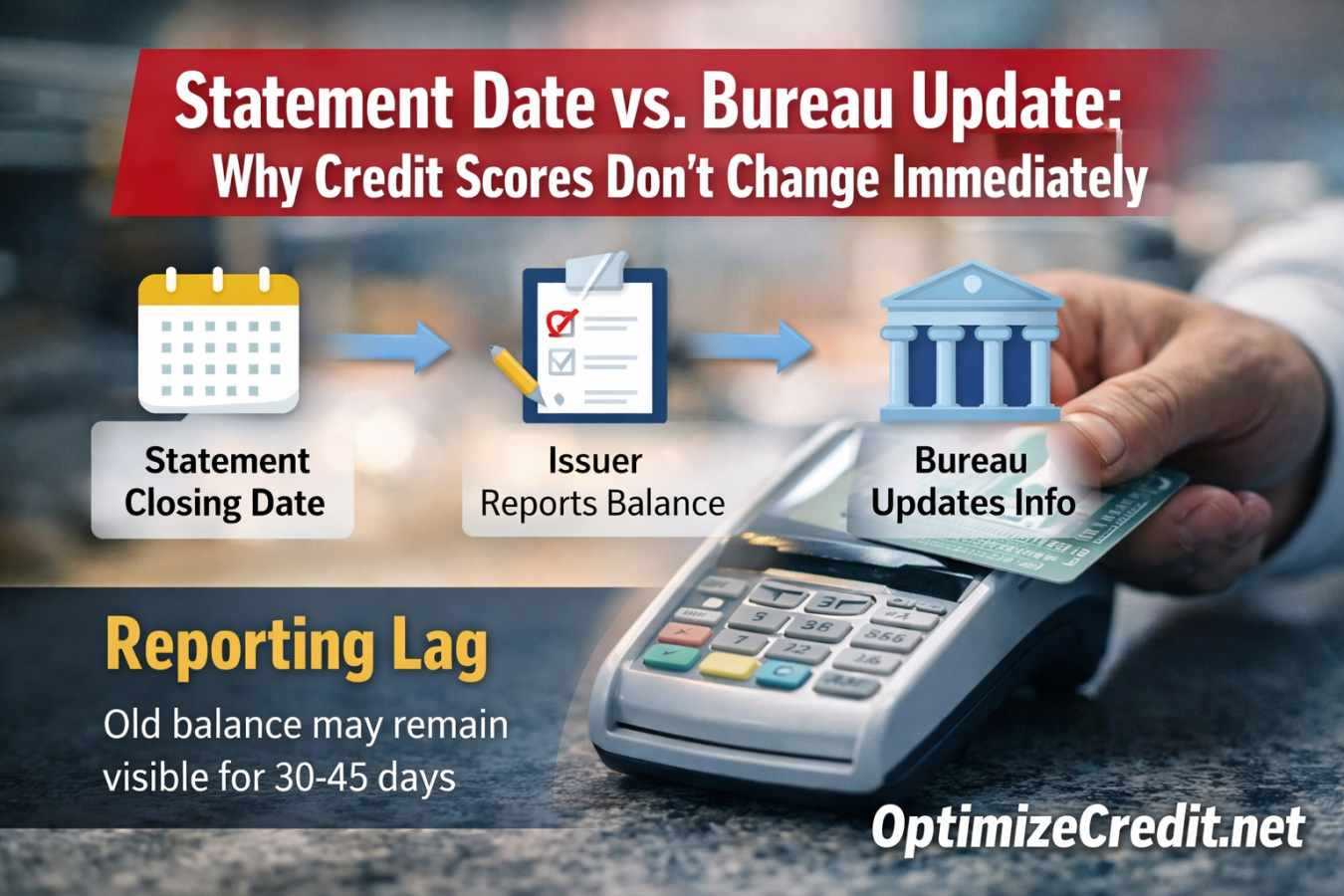
Your credit score does not update the moment you pay your bill. Instead, there is a reporting lag built into the system. Most credit card issuers transmit account data to the bureaus on a cycle, not in real time, so a payment made after the reporting snapshot can leave your old higher balance visible for another 30 to 45 days.
For revolving accounts, the full cycle often takes about 30 to 45 days from the moment a high balance is reported to the moment a lower replacement balance has been reported, posted, and reflected in the next score pull.
That range is not a guarantee. Some updates hit faster. Some issuers lag. But if you paid a large balance yesterday and your score did not move this morning, that is normal.
The reason is simple: your payment date and your reporting date are not the same event.
The Three Dates Most People Confuse
A lot of credit frustration comes from mixing up three different dates that do three different jobs.
| Term | What It Means | Why It Matters |
|---|---|---|
| Due date | The date your payment is due | Important for avoiding late fees, penalty APRs, and late-payment damage |
| Statement closing date | The day the billing cycle ends and your statement balance is created | Often the most important date for revolving-account utilization |
| Bureau update date | The day your issuer's data is transmitted and then posted by the bureau | The day the lower balance can finally reach your report |
If you only know your due date, you are missing the most important timing variable for utilization optimization.
What Actually Gets Sent to the Bureaus?
Creditors generally do not send a simple "customer paid today" note to the bureaus. They furnish account data in a standardized electronic format known as Metro 2. That is the language furnishers use to transmit account status, balance, payment history, and other tradeline data to the bureaus.
That point matters because it explains why the system feels delayed. Your score reacts to what was furnished and posted, not to the private fact that you pressed "submit payment" in your banking app.
For a primary-source overview of Metro 2 reporting, see the Consumer Data Industry Association's Metro 2 overview.
Why Your Score Can Stay Stuck After a Large Payment
Here is the most common pattern:
- Your card reported a high statement balance
- You paid the card after statement close
- The bureau is still showing that earlier balance
- Your score still reflects the earlier utilization snapshot
Financially, you did the right thing. Scoring-wise, you may still be looking at the old picture.
That is why people often say, "I paid off the card, but my score didn't change." In many cases, nothing is wrong. The lower balance just has not completed the reporting chain yet. If your score stays stuck cycle after cycle, you may be caught in the utilization trap — a separate but related problem.
A System-Audit Checklist for Timing Problems
Use this before assuming the bureau is wrong:
- Find the statement closing date for each card.
- Check which card reported the highest balance last cycle.
- Look at when your payment posted, not just when you initiated it.
- Wait for the next statement cycle if the payment happened after close.
- Compare all three bureau reports if the score still does not move after the next cycle.
- Check for issuer variation — not every issuer reports on the exact same day.
- Separate revolving timing issues from installment timing issues so you do not diagnose the wrong account type.
This is the practical difference between passive monitoring and actual score debugging.
Where to Find Your Statement Closing Date
Do not guess. The closing date is usually available in one of three places:
- Near the top of your monthly statement
- Inside your online account under billing or statement settings
- From customer service
If you are trying to improve a score before an apartment application, auto loan, or mortgage pre-approval, that date matters more than the due date.
Why Paying Before the Due Date Is Not the Same as Paying Before the Statement Closes
A payment can be "on time" for lending compliance and still be too late for utilization optimization.
| Date | Event | Score Impact |
|---|---|---|
| 15th | Statement closes at $4,000 on a $5,000 limit | 80% utilization may be reported |
| 18th | You pay the $4,000 balance in full | Great financially, but the 80% snapshot may already be on file |
| Next cycle | New statement closes with a lower balance | The score can finally reflect the lower utilization |
That is why timing matters more than intent. Scores respond to the reported balance snapshot, not to your private intention to pay responsibly.
You Also Have to Account for Payment Clearing Time
Even if you know your closing date, you can still miss it. ACH processing, internal issuer posting rules, weekends, and holidays can delay the effective posting date. If the goal is to reduce the balance that gets reported, the safer move is usually to initiate the payment a few business days before statement close, not on the closing date itself.
Revolving Accounts and Installment Accounts Do Not Update the Same Way
This article is mainly about credit cards and other revolving accounts. Installment accounts — such as auto loans, mortgages, and personal loans — often report on a different cadence tied to a scheduled monthly update rather than a statement-balance snapshot. That is one reason consumers sometimes think the whole system is random. It is not random. It is just different by account type.
Why This Matters So Much for Utilization
Utilization is based on reported balances, not on the balance you remember paying down yesterday. That means a borrower can have very little real debt at this moment, still show high utilization on the report, and still get a weaker score until the next cycle finishes updating.
For a deeper look at how credit limits, reported balances, and account age interact mathematically, the utilization math breakdown is worth reading. The score cannot reward the lower numerator until the lower numerator actually appears in the furnished data.
What Changes Under Trended-Data Models?
Newer trended-data models can look beyond a single month and evaluate how you have behaved over time. That means one well-timed payment before an application can still help, but it may not fully erase a long pattern of revolving high balances. A clean one-month snapshot is still useful — it is just less magical when the model can see 12 to 24 months of balance behavior.
Authorized-User Timing Is Even Trickier
If you are relying on an authorized-user account, you usually do not control the statement close yourself. The primary cardholder's balance management and payment timing drive the reported snapshot.
That is why authorized-user reporting can lag even when the tradeline itself is strong. The file benefit depends not just on the account's age and limit, but also on when the primary cardholder allows the balance to report.
How to Dispute Reporting Errors in the Chain
If you have waited a full reporting cycle and the bureau still shows an incorrect balance or account status, the issue may be a legitimate reporting error rather than normal lag. In that case:
- Identify the specific data point that is wrong (balance, status, date).
- Dispute through the bureau's formal process with supporting documentation.
- If the bureau does not resolve it within 30 days, escalate to the furnisher directly.
- Keep records of every dispute submission and response.
Do not confuse normal reporting lag with an actual error. Disputes are for inaccurate data, not for the system working as designed on a delayed cycle.
How to Make Sure Your Payment Actually Helps Your Score
If you need a better score snapshot for a near-term application, use this process:
- Identify the statement close date on each card.
- Target the card with the worst utilization first.
- Initiate the payment early enough for it to clear.
- Re-check after the next cycle, not the next morning.
- If the lower balance still does not appear, compare all three bureau reports.
- If the data is inaccurate, dispute the reporting error rather than guessing.
When Timing Helps Most
Timing strategy helps most when:
- Utilization is the main suppressor
- The file is otherwise fairly clean
- You are near an approval or pricing threshold
- You are preparing for a specific application window
It helps less when:
- Derogatories are the bigger problem
- The file is too thin
- Debt-to-income or underwriting overlays are the real issue
- The score problem is structural rather than timing-based
Conclusion
Your score is not "ignoring" your payment. It is following the reporting chain. Once you separate due date, statement closing date, and bureau posting date, the lag becomes much easier to understand. If you want your lower balance to help your score, the key is not simply paying. The key is making sure the lower balance is the one that gets reported.
Get Your Personalized Credit Roadmap
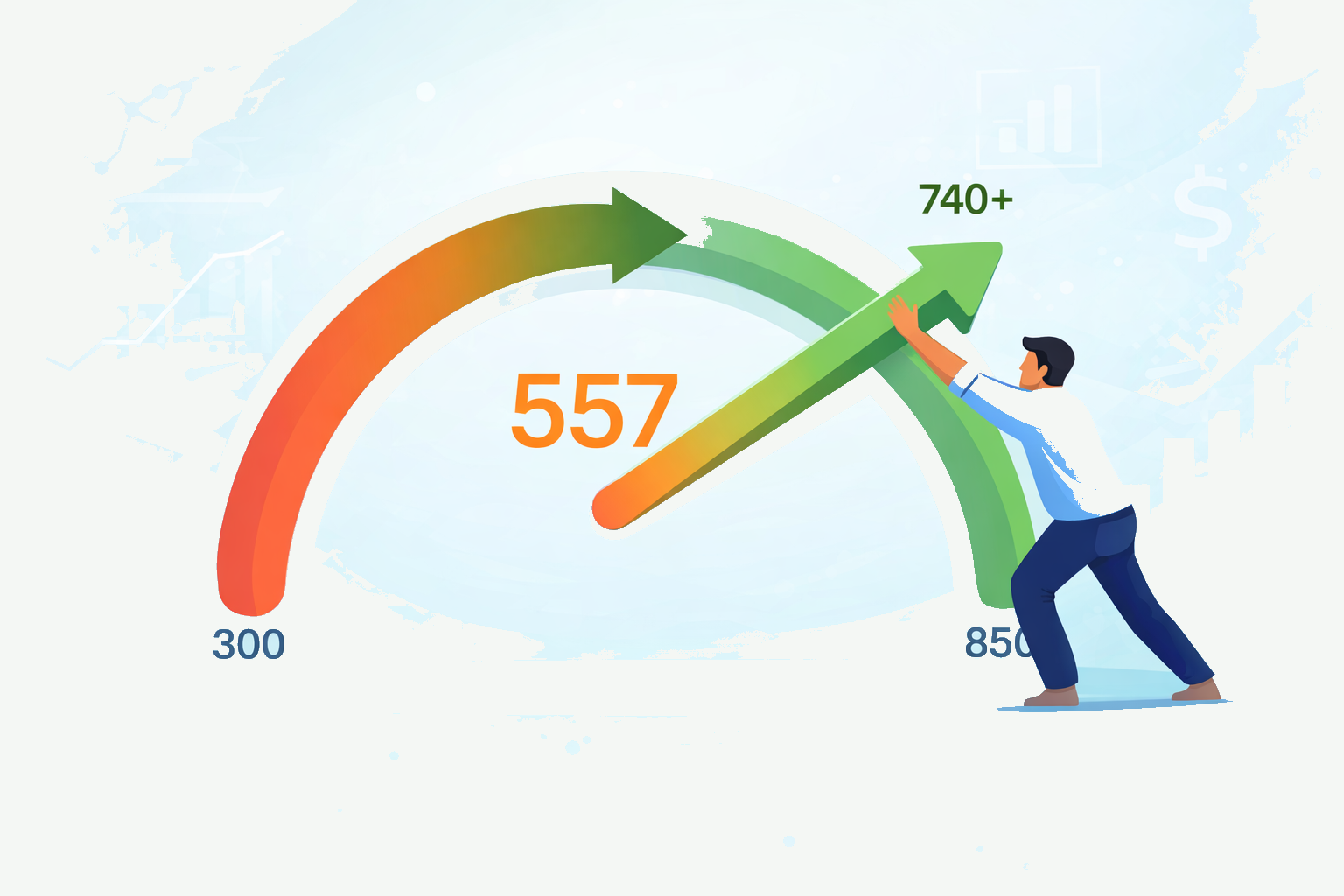
Upload your credit report and our Credit Analyzer identifies exactly what is holding your score back and gives you a step-by-step 90-day plan to reach 740+.
Trusted by 500+ successful placements and excellent reviews on TrustPilot ★★★★★
Analyze My Credit Free →