Why the 30% rule is too blunt for real optimization
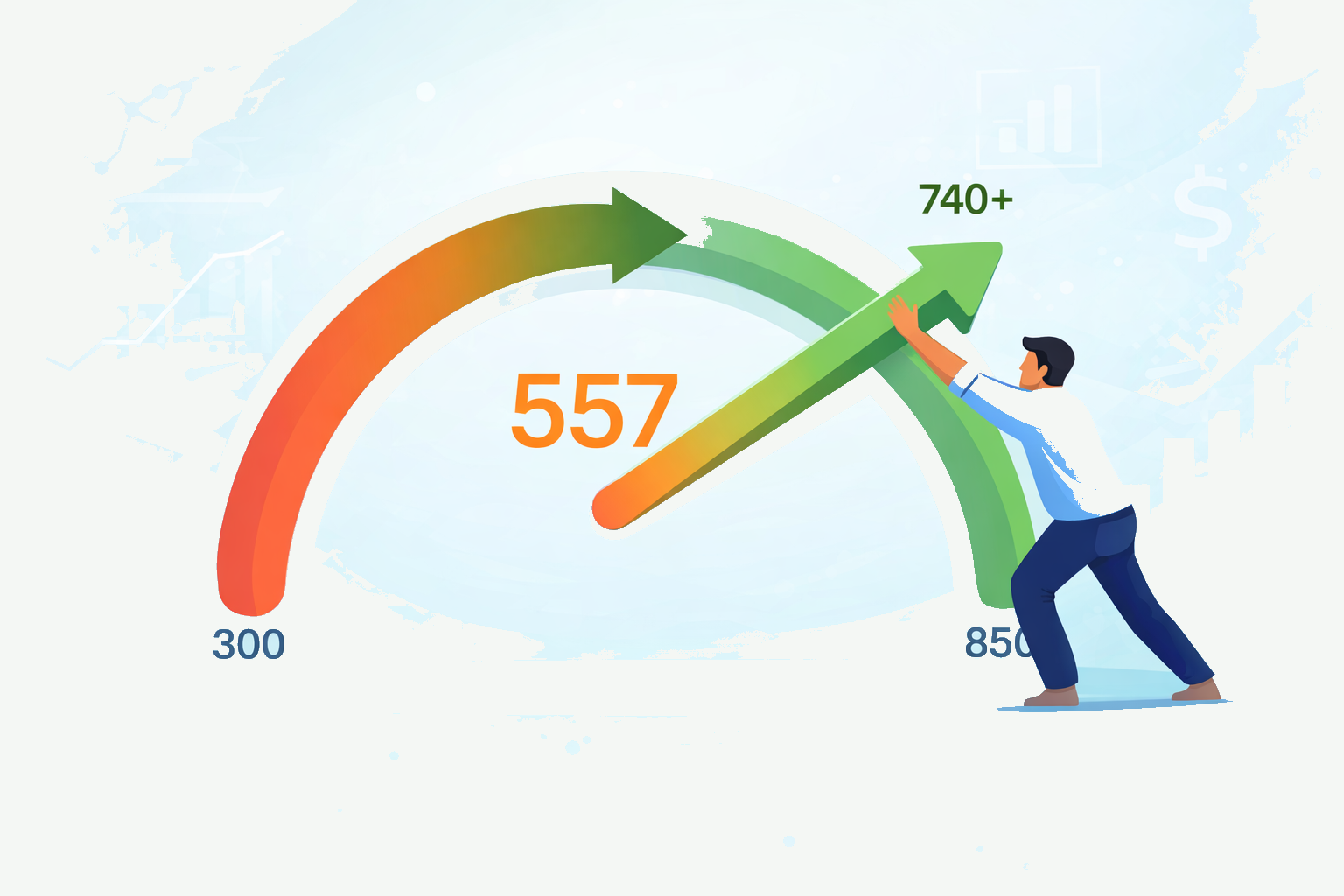
If you are in the 550 to 680 score range and trying to improve your odds for a mortgage, auto loan, or apartment approval, utilization is usually the fastest scoring lever you control. It updates frequently, it reacts to reported balances instead of your intentions, and it can move your file far more quickly than waiting for old negatives to age. The problem is that most people still optimize around the wrong rule. "Stay under 30%" is not useless, but it is not the real sweet spot.
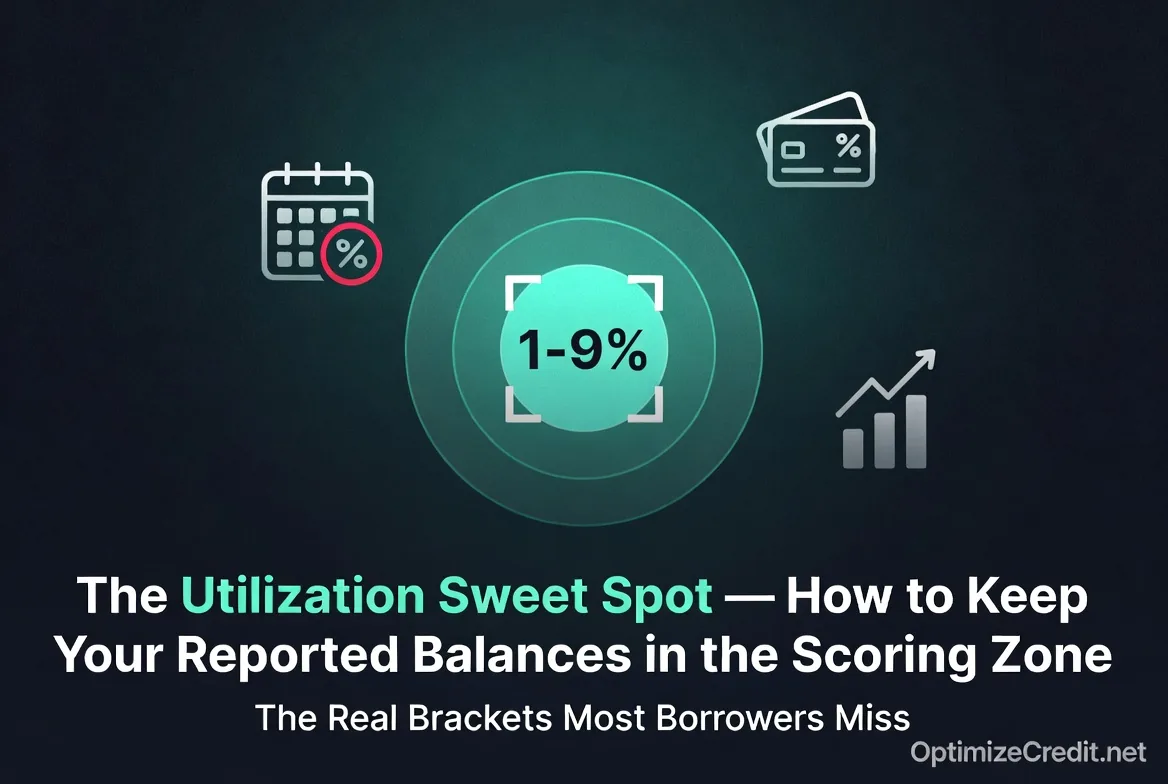
The better way to think about utilization is as a reporting zone. Under 30% is more like "not terrible." The strongest-looking files usually report much lower than that—often in the single digits. At the same time, reporting 0% on every card is not necessarily ideal either. Experian's current guidance says consumers with the best scores tend to keep revolving utilization below 10%, and that 0% utilization provides no extra scoring benefit. That is why the real scoring zone is usually not "nothing owed" and not "under 30%." It is a small, controlled amount of reported revolving usage.
The "keep it under 30%" rule became popular because it is decent damage-control advice. If your revolving utilization is far above 30%, scores often suffer more noticeably. But that does not make 29% optimal.
For active optimization, the more useful distinction is this:
- Under 30% often means you are avoiding the worst damage.
- Under 10% is usually where the strongest score outcomes live.
- Exactly 0% everywhere is not always the very best look either.
That is why people who treat 28% as "basically perfect" often stall. They are safe, but not optimized.
The practical utilization brackets that matter
FICO does not publish a consumer-facing chart with exact utilization thresholds and point values. So the brackets below are not official FICO disclosures. They are practical working zones built from public guidance and common credit-optimization use.
| Reported utilization | Practical reading | What it usually means |
|---|---|---|
| 0% | Safe, but slightly less than ideal | No active revolving usage is showing |
| 1%–9% | Optimal zone | Usually the cleanest range for active scoring optimization |
| 10%–29% | Good zone | Still favorable, but not peak |
| 30%–49% | Moderate pressure | Scores often begin to feel the drag more clearly |
| 50%–74% | Heavy pressure | The file starts looking materially stressed |
| 75%+ | Severe pressure | Very high revolving usage; often treated as risk-heavy |
Experian's public guidance supports the broad direction of this framework: under 10% tends to be strongest, and 0% offers no extra benefit over small responsible usage.
Why 0% utilization is not automatically best
This is one of the most misunderstood details in credit optimization.
A lot of consumers assume the perfect setup is to have every card report zero. That sounds clean, but it is not always the strongest scoring presentation. Credit scoring models often like to see a little current revolving activity instead of a completely blank revolving snapshot.
That is why many people get slightly better results from reporting one small balance rather than forcing every card to zero. The balance does not need to be large. In fact, the smaller the better—as long as it shows responsible use and stays well below the sweet-spot ceiling.
So the goal is usually not "make everything zero." The goal is "make almost everything zero, and let one small balance report."
Aggregate utilization vs. individual card utilization
You do not have one utilization number. You have at least two categories lenders and scoring systems care about:
- Aggregate utilization — Total revolving balances divided by total revolving limits.
- Individual card utilization — The balance on one card divided by that card's own limit.
Both matter.
Example 1: low overall, ugly individual card
- Card A: $4,500 balance on a $5,000 limit = 90%
- Card B: $500 balance on a $10,000 limit = 5%
Overall utilization is about 33%. That is not ideal, but the bigger problem is that Card A looks maxed out. Even when the total number is not catastrophic, one highly utilized card can still hurt.
Example 2: reasonable total, better distribution
- Card A: $1,500 on $5,000 = 30%
- Card B: $1,500 on $10,000 = 15%
Overall utilization is 20%. No card is screaming distress, and the file generally looks more stable than the first example.
That is why the "max one card and ignore the rest" strategy often backfires. A cleaner file usually spreads balances lightly and keeps every card under control.
The AZEO method: All Zero Except One
AZEO stands for All Zero Except One. It is not an official FICO term. It is a tactical reporting method used by people who want the cleanest revolving snapshot possible before a major credit pull.
The method is simple:
- let all revolving accounts report zero
- let one major revolving card report a very small balance
- keep that one balance in the low single digits relative to the card's limit
Why AZEO works conceptually
AZEO aims to solve two problems at once:
- it avoids the "all cards at zero" look
- it avoids multiple cards reporting balances and pushing aggregate utilization higher
Example
You have four credit cards:
- Card A: $10,000 limit
- Card B: $5,000 limit
- Card C: $2,000 limit
- Card D: $1,000 limit
Total limits = $18,000
Suppose you charge $900 during the month. Instead of letting balances report across several cards, you pay Cards B, C, and D to zero before their statements cut. Then you let Card A report $180.
Reported result:
- Aggregate utilization = $180 / $18,000 = 1%
- Highest single-card utilization = $180 / $10,000 = 1.8%
That is exactly the kind of snapshot AZEO is trying to create.
Which card should be the "one"?
Usually:
- a major bankcard, not a store card
- a card with a comfortable limit
- a card that reports reliably
- a card where the balance can stay tiny relative to the limit
Pay before the statement closes, not just by the due date
This is the tactical mistake that causes many "mystery" score drops.
Most consumers pay based on the due date. That prevents late fees and late-payment damage. But it does not necessarily control what balance gets reported to the bureaus.
What often matters for utilization is the statement closing date. That is the point at which many issuers snapshot the balance that then appears on your credit report.
Why this matters
If your card closes on the 12th and you pay on the 13th, you may have paid "on time," but the higher statement balance may already have been reported for that cycle.
So if your goal is score optimization—not just avoiding a late payment—you usually want to bring balances down before the statement closes.
Practical timing playbook
- Log into each card account and find the statement closing date.
- Set a reminder several days before that date.
- Pay the balance down to your target level before the statement generates.
- If using AZEO, leave only one tiny balance to report.
This is one of the most important distinctions in all of credit optimization:
- Due date = payment-status protection
- Statement date = utilization reporting control
For the timing mechanics behind this, the most relevant companion read is Statement Date vs Bureau Update.
Does utilization reset every month?
Mostly yes, which is why utilization is so powerful.
Traditional scoring models generally treat utilization as a current snapshot. If you reported 72% this month and 4% next month, the lower reported month usually looks much better once it updates.
That is why utilization is often the fastest scoring lever available. You do not usually have to wait years for it to heal the way you do with a late payment or collection.
Important modern caveat
Not every newer model is purely snapshot-based. Some newer scoring systems can use trended data, which means patterns over time may matter more than they used to.
So the old phrase "utilization has no memory" is still directionally useful for many mainstream optimization scenarios, but it is no longer literally true across every scoring model.
The safest strategy is still the same: keep reported utilization low consistently, not just one time.
Credit limit increases: the overlooked utilization tool
Utilization is a fraction:
balance ÷ credit limit
Most people focus only on lowering the numerator by paying debt down. That is usually the right first move. But the denominator matters too.
If your limits rise and your balances stay the same, utilization falls immediately.
Example
- Current setup: $1,200 balances across $8,000 of total limits = 15% utilization
- After two limit increases: same $1,200 balances across $16,000 of total limits = 7.5% utilization
Nothing changed about your spending or debt level. The file simply has more available revolving credit.
That is why credit limit increases can be one of the cleanest utilization tools for people who already manage credit responsibly.
One caution
Some issuers use a hard inquiry for a credit limit increase request; others use a soft pull or no hard pull at all. If you are preparing for a mortgage or major application, it is worth checking which one the issuer uses before asking.
A clean month-by-month utilization system
If you want to stay in the scoring zone every month, the process usually looks like this:
1. Track both total and per-card utilization
Do not watch only your overall percentage. One card near its limit can still drag the file down.
2. Keep aggregate reported utilization in the 1%–9% zone when optimizing
That range is usually where the file looks strongest.
3. Keep individual cards low too
A good practical ceiling is to keep every card well under 30%, and ideally much lower on the cards that do report balances.
4. Pay before statement close
If you wait until the due date, you may miss the real reporting window.
5. Use AZEO before major applications
For mortgage, auto, or rental pulls, AZEO can produce a cleaner snapshot than letting several cards report small balances.
6. Use credit limit increases strategically
Especially if the file is being held back by starter-card limits rather than reckless spending.
Common mistakes that keep people out of the sweet spot
Mistake 1: Thinking 29% is "perfect"
It is better than 79%, but it is not the strongest scoring zone.
Mistake 2: Paying only by the due date
That protects payment history, but it may do nothing for this month's reported utilization.
Mistake 3: Watching only total utilization
One card at 90% can still hurt even if overall utilization looks more reasonable.
Mistake 4: Closing cards to "clean things up"
Closing a card removes available credit and can make utilization worse, not better.
Mistake 5: Reporting zero on everything all the time
That is safe, but it is often not quite as optimized as reporting one small balance.
Bottom line
The real utilization sweet spot is not "anything under 30%." That rule is too blunt for active optimization. A better target is usually 1% to 9% aggregate utilization, with no card reporting an ugly balance relative to its own limit. Both aggregate and individual-card utilization matter. Statement timing matters. AZEO can help. And credit limit increases can make the math work in your favor without changing your actual spending.
If you are trying to move quickly in the scoring models, utilization is one of the rare factors you can often improve by the next reporting cycle instead of waiting months or years.
If your utilization looks fine but your score still is not moving, your file may be stuck in a deeper structural pattern. The utilization trap explains why some files stall even after optimizing balances. For the math behind how aggregate and per-card utilization actually get calculated, see utilization math. And for more guides on diagnosing stubborn score problems, visit the troubleshooting hub.
Get Your Personalized Credit Roadmap
Upload your credit report and our Credit Analyzer identifies what may be holding your score back and provides a step-by-step report-based improvement plan.
Analyze My Credit Free →